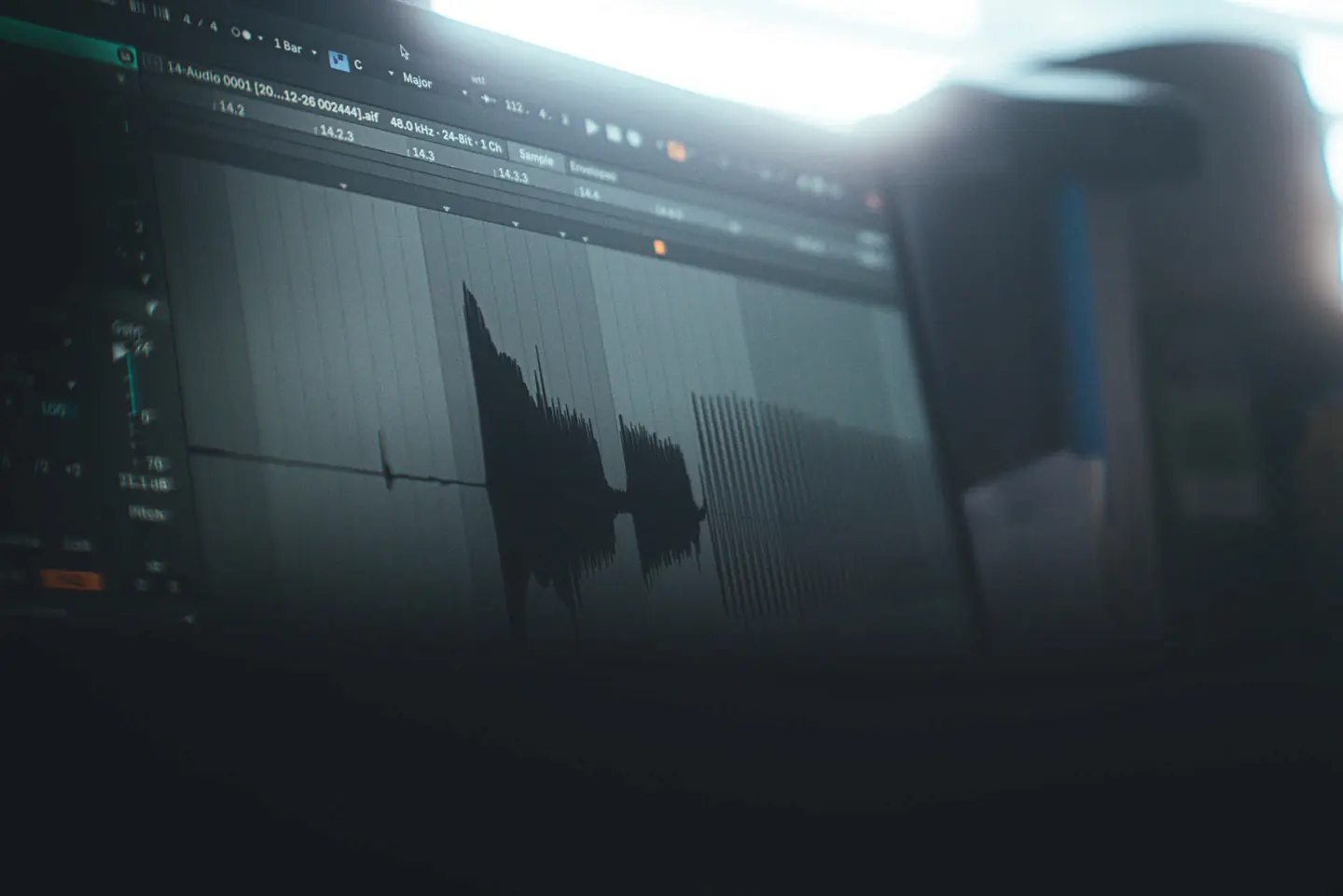
A computer screen showing an audio waveform in a DAW sample editor, shot at an angle in a dim room
Studio Music Tools

Better sound starts with better tools.

Understand your mix. Finish your tracks. Build a better listening space. Start with free audio analysis, then choose the tools your next session needs.

 
Start here

Analyze your track free, then master it if you want to.

Upload a WAV or AIFF and get measured, plain-English feedback on loudness, true peak, dynamics, and stereo width in under a minute — free, no account required. Want to go further? Open the same file in the Audio Analysis Studio to inspect sections, spectrograms and frequency regions, and choose how to improve it. Mastering is an optional next step once you can see what your track actually needs.

Track AnalyzerSample result

Integrated Loudness, True Peak, Dynamics & Stereo

-14.2LUFS
Loudness
-1.0dBTP
True Peak
8.4dB
Crest
Wide
Stereo
Analyze My Track
Adaptive MasteringSample workflow

Master your track with a measured profile

  1. 01
    Analyze

    Free measured analysis first.

  2. 02
    Choose

    Balanced, Loud Electronic, or Streaming.

  3. 03
    Master

    Preview, then download.

€7.99 per master, one price for any profile
Start Mastering
Find your tool

What do you want to do with audio?

Explore all audio tools →

Start free: upload a WAV or AIFF and read the measured result.

Understand balance, loudness and stereo image.

Explore all mixing tools →

Master your track your way

Shape your sound in an editable chain, or choose a finished master.

You control everything

Master Chain Studio

Your sound. Your chain.Manual + Pro Automate

Pro Automate: €4.99 per track. Explore Pro

Build your own master.

Create your own mastering chain with professional EQ, compression, saturation and limiting. Adjust every parameter and export your finished master.

  • Parametric EQ, compressor, saturator and limiter
  • Reorder, bypass, save and reload your chain
  • Loudness-matched before/after listening
  • 24-bit WAV export, rendered in your browser
  • Optional Pro Automate: measured, editable settings in this studio
Open Master Chain Studio

Fully automatic

Adaptive Mastering

€7.99per master

Master your track automatically.

Upload your track and let Studio Music Tools generate a finished master using its adaptive mastering engine.

  • Choose a profile: Balanced, Loud Electronic or Streaming
  • Free analysis first; pay only for the master
  • Minimal setup: no chain to build
  • Finished master delivered as a download
Master automatically

Want your master to follow a specific song? Reference Mastering moves your track toward a reference you provide (€2.99 per master).

Producer Tools · Free

Build the groove. Shape the feel. Take it to your DAW.

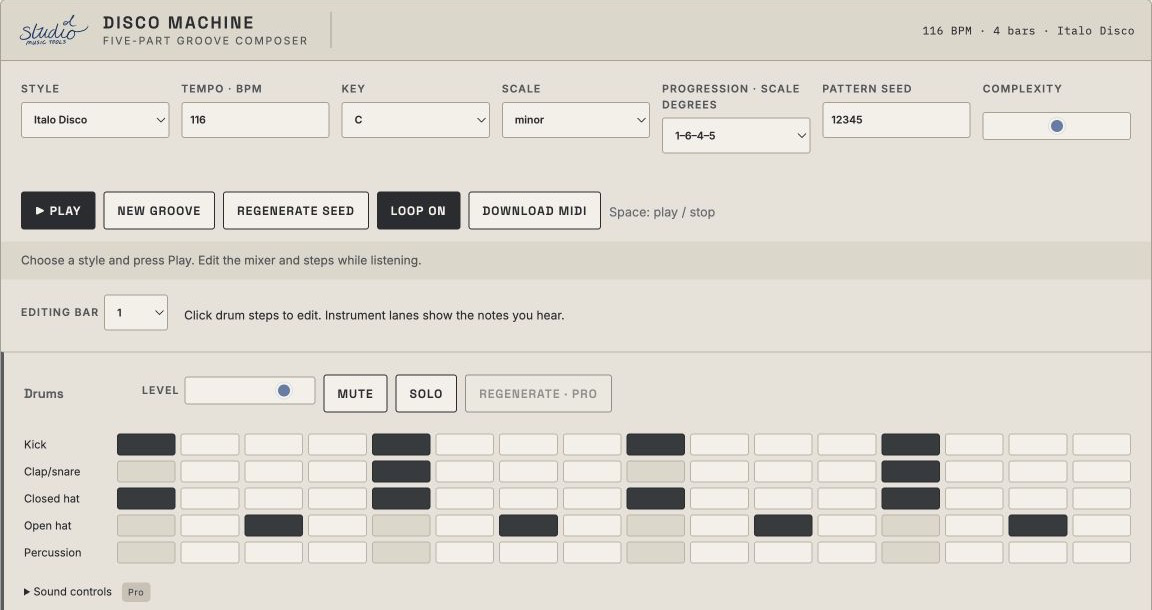
A 16-step drum sequencer that runs in your browser. Write a pattern, add swing and humanize, then take it to your DAW. Drum Studio Pro adds generated variations and MIDI, WAV and stem export.

Open Drum StudioPro exports available
Producer Tools · Free

Slice. Rearrange. Create.

Load a vocal, let Vocal Studio find the syllables, then rearrange the pieces on a 16-step composer. Change pitch and direction, and export a WAV for free. Pro adds generated chops and variations. Your audio stays in your browser.

Open Vocal StudioFree · no account
Tools For Your DAW

Ableton tools, built for production, mixing, and performance.

The same measurement-first approach as the rest of this platform, packaged for your sessions instead of your speakers.

Master Chain cover art
Ableton Rack

Master Chain

€4.99
Explore
Drum Glue cover art
Ableton Rack

Drum Glue

€4.95
Explore
Bass Focus cover art
Ableton Rack

Bass Focus

€4.95
Explore
Space Motion cover art
Ableton Rack

Space Motion

€4.95
Explore
Vocal Chain cover art
Ableton Rack

Vocal Chain

€2.99
Explore
DJ Chain cover art
Ableton Rack

DJ Chain

€2.99
Explore
For Ableton Live

Meet Master Chain.

A closer look at the Ableton rack. Explore the product details before adding it to your workflow.

Explore Master Chain
  • Screenshot of the Master Chain Ableton Live Audio Effect Rack: the rack header with the Bass Mono / HPF filter and the Peaks compressor.
  • Screenshot of the Master Chain rack: Surgical EQ, Comp Boost compressor and Saturation devices.
  • Screenshot of the Master Chain rack: MB-Dynamics, Comp Sustain compressor and Exciter devices.
  • Screenshot of the Master Chain rack: Last EQ, Limiter and Spectrum analyser devices.
Studio Music Tools Master Chain · Ableton Live Audio Effect RackView all 4 screenshots ↗
Producer Tools · Pro

MIDI Studio Pro. Chords, bass and melody that belong together.

Generate all three parts in one go, so they fit. Edit the notes in a real piano roll, then export a three-track MIDI file for your DAW.

Open MIDI Studio Pro €29.00 once · no subscription

Not sure yet? Try the free MIDI generator.

How it works

Measure first, then act.

Every tool on this platform follows the same order: get a real measurement before spending time or money on a fix.

  1. 1

    Measure

    Analyze your track, or enter your room's dimensions — free, calculated instantly from your real input.

    Analyze a track →Explore it in the Analysis Studio →
  2. 2

    Understand

    Plain-English explanations of what the numbers mean, not just a wall of measurements.

    Check room modes →
  3. 3

    Act

    Master your track, separate stems, or move on to speaker placement and treatment.

    See the Toolkit →

Built by an acoustics professional and music producer, bringing a physics and acoustics background together with hands-on production and DJing experience. Explore how the tools work, what their results mean, and where their limits are.

Acoustics

Understand your room before you spend on treatment.

Speaker and listening position come first — free, two minutes, the biggest audible difference for the least effort. Room modes and reverberation are the detailed technical layer underneath.

Speaker Placement PlannerSample result

A starting-point layout for monitors and listening position

1.8m
Listening pos.
1.5m
Triangle side
Balanced
Symmetry
143Hz
1st boundary null
Plan My Studio
Room Mode CalculatorSample result

Every standing wave in your room, up to 300 Hz

42m³
Room volume
1 : 1.6 : 2.33
Ratio (H:W:L)
187
Modes <300 Hz
28.7Hz
Lowest mode
Calculate Room Modes
From the studio

Tried a tool? Share your experience.

Tell other producers what worked for you and what could be better. Every review is read before publication, and your email stays private.

Write a review
Studio Notes & News

On the radar

All news →

Fresh plugin and instrument headlines from KVR Audio ↗.

Checking the latest headlines…

Want help turning these numbers into an acoustic treatment plan?

See Consulting Services