
Stereo Analyzer
See your track’s stereo spread, side-to-mid ratio and channel correlation together. Width describes the image; it is not a verdict on mix quality.
- 01
Upload Track
Upload a WAV, MP3, FLAC or AIFF file for analysis. See our privacy notice for file handling.
- 02
Measure Correlation
The raw phase correlation coefficient is calculated across the full stereo image.
- 03
Read The Width
See the actual measured number behind labels like "wide" or "narrow."
DROP YOUR TRACK
or click to choose a file
WAV, MP3, AIFF, or FLAC · Limits are checked before processing. Nothing is used for model training — see our privacy notice.
- Uploading
- Analyzing
- Ready
Analyzing — running the same measurement pass as Track Analyzer…
Stereo Image
Stereo field
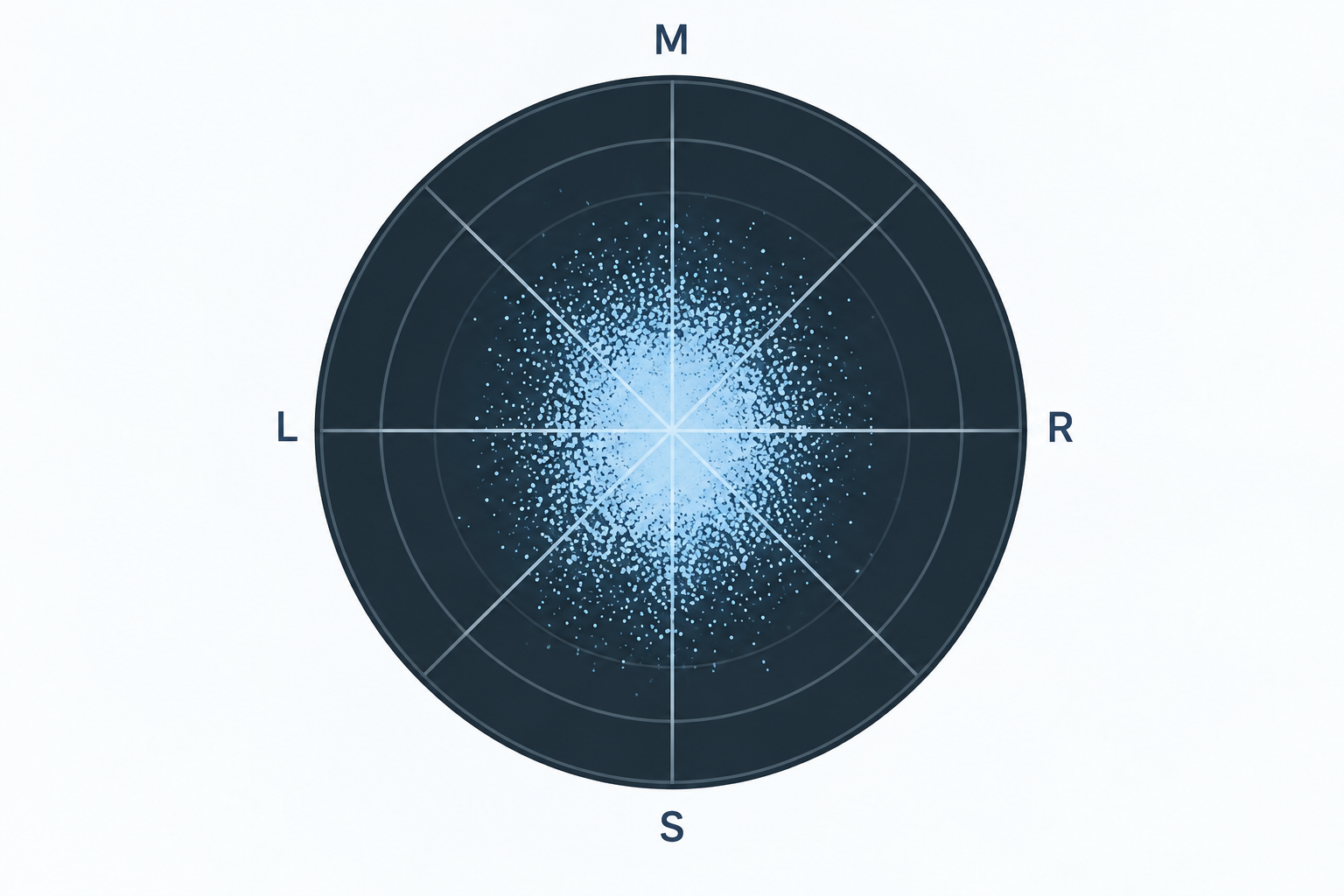
Whole track or selected rangeSelect an audio file to see its stereo field. Saved measurements alone cannot recreate this image.
How to read this image
A narrow vertical image indicates similar channels. A wider cloud shows more stereo difference; points beyond the L/R diagonals can indicate phase cancellation. Listen in mono as well. Sampled across the track, with a shared visual gain for both axes.
Whole-track measurements
Correlation meter
-1.0 (opposite polarity) to +1.0 (fully correlated). Purely a visual aid — the number above is the real measurement.
Waveform
Drawn locally in your browser from the file you selected — not sent anywhere to render this.
What this is: Stereo Analyzer reads the exact same measurement Track Analyzer already computes on your file in one pass — this page just gives that one result its own focused view. Want the full picture (loudness, dynamics, mix health, frequency balance, and more, all at once)? Open Track Analyzer →
Want low-end mono-safety, mix health, and loudness too?
Track Analyzer runs the full measurement pass — one free upload, every result at once.
Open Track AnalyzerCheck width alongside mono compatibility
Correlation and side-to-mid energy describe relationships between channels. A wide image can be intentional; listen in mono before treating low correlation as a problem. Use the low-end view for a closer check of bass compatibility.