
RT60 Calculator
A real 6-band Sabine-equation RT60 estimate — 125 Hz to 4 kHz — from your room's dimensions and surfaces, using the same published reference coefficients as the Studio Music Tools workbooks.
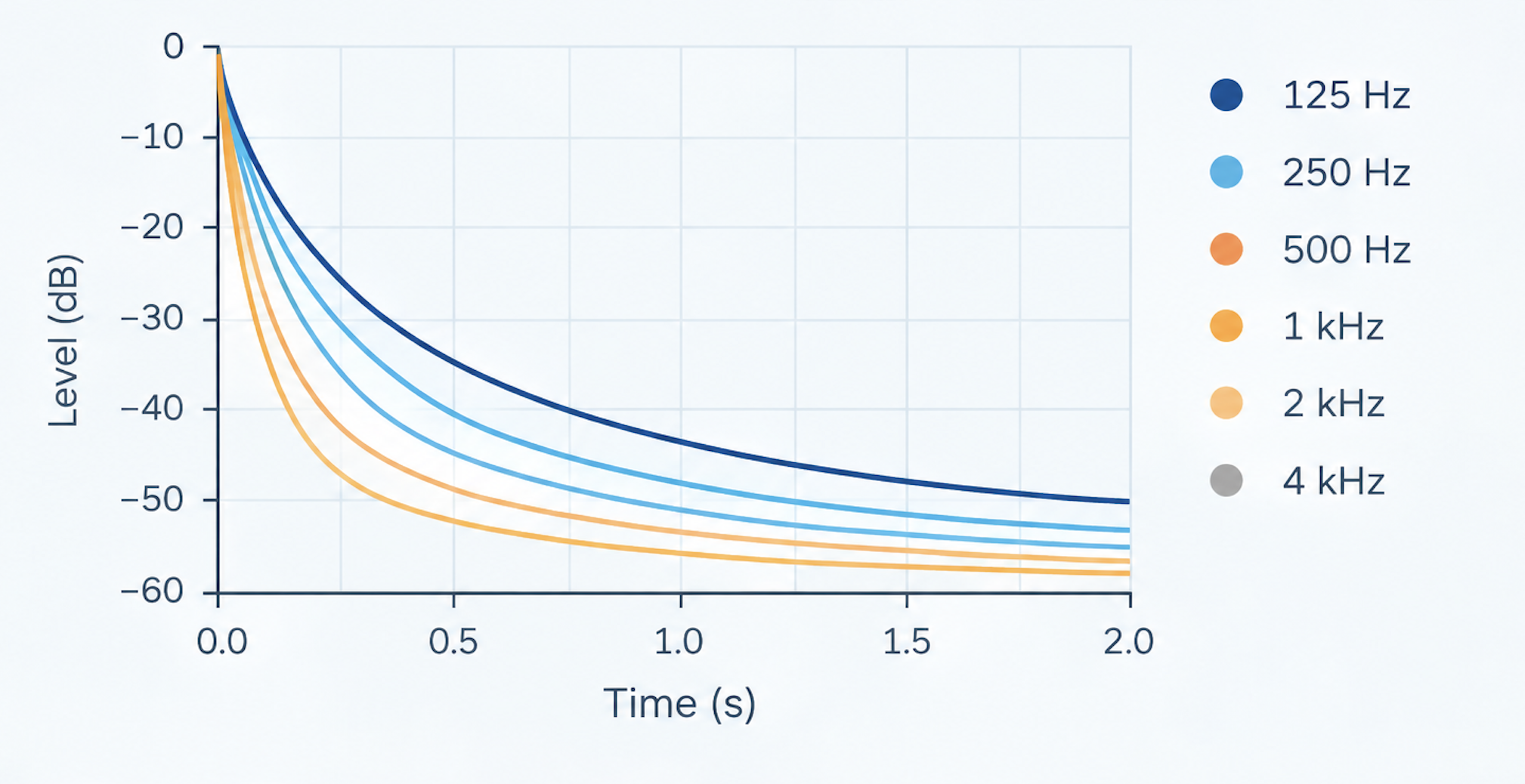
- 01
Enter Room Details
Add the room dimensions and surface/material information.
- 02
Calculate RT60
Calculate reverberation time across the available frequency bands.
- 03
Inspect Decay
Compare frequency bands and identify where additional absorption may be useful.
RT60 by frequency band
Every bar is a Sabine-equation result for that band — hover for absorption and volume.
Which surfaces are doing the work?
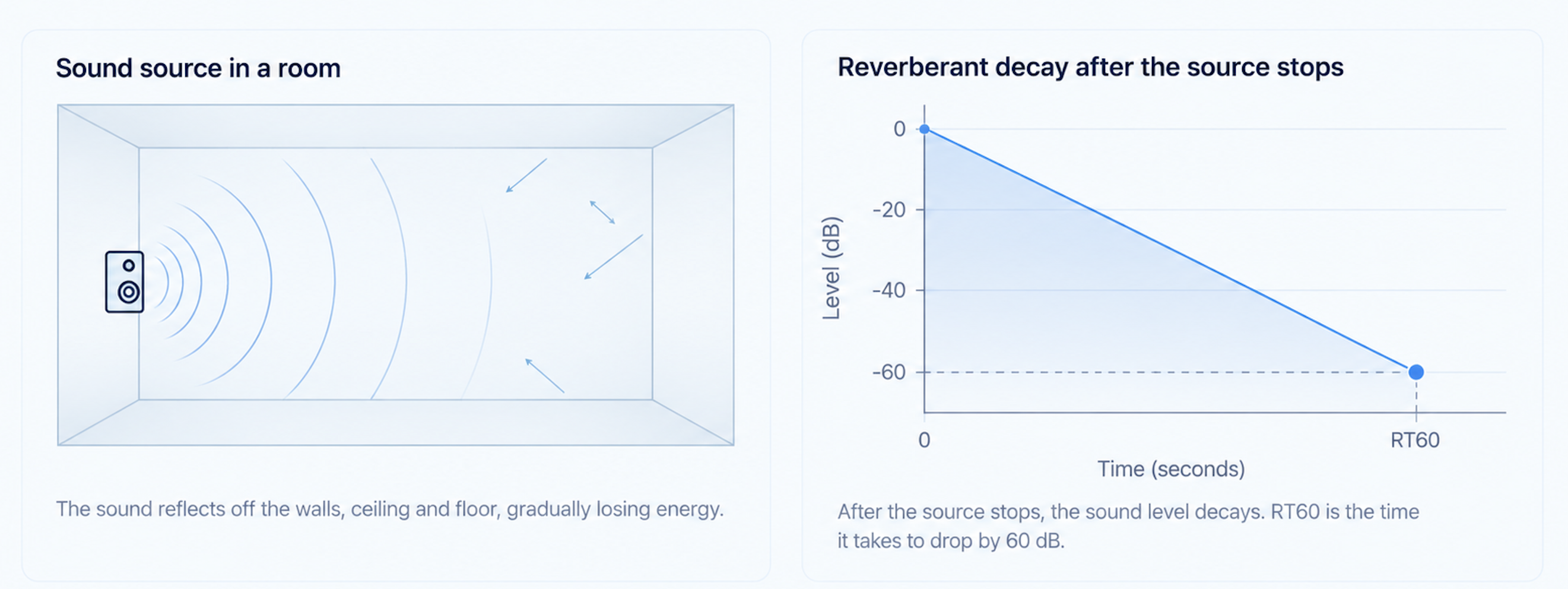
at 500 HzWhat RT60 actually measures
RT60 is the time it takes the room's sound energy to decay by about 60 dB after the source stops — not a position on a panel diagram. Suggested treatment starting points (not a guaranteed-correct spec) are summarized below the figure.
Take this analysis into a reusable project workbook
The RT60 Workbook uses the same Sabine method as this page, in a file you keep: an editable table of 14 materials plus your own coefficients, up to 20 surfaces, reference target ranges by use and a current-versus-proposed estimate you set up yourself. The Studio Acoustic Toolkit adds a Studio Project Workbook that carries the same room through speaker placement and a treatment plan, plus a measurement guide and a setup checklist.
Prefer a person to look at your room? Get a personal analysis.
A high RT60 usually means more absorption; a room that already feels "dead" may need diffusion instead — see Absorption vs Diffusion.