
Loudness Analyzer
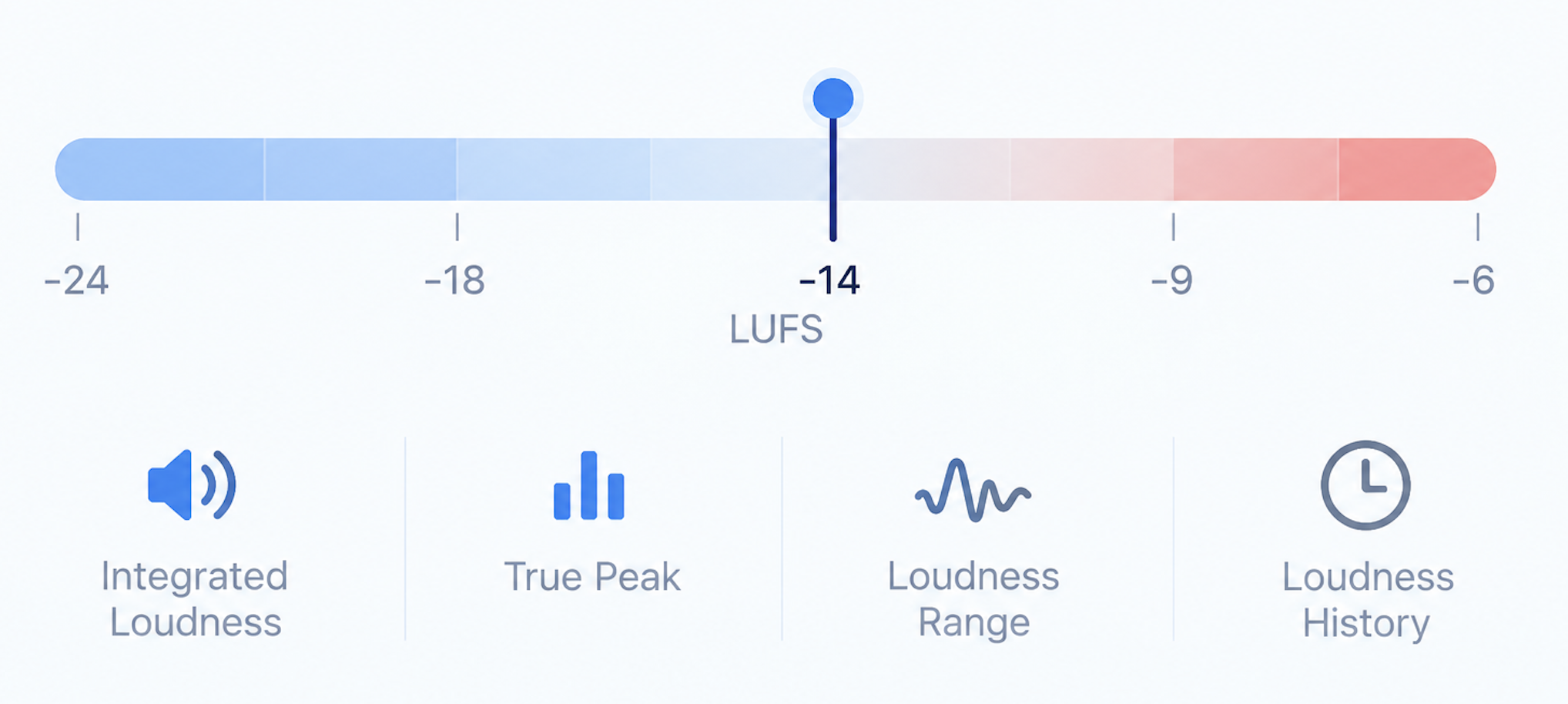
Real, measured loudness — integrated LUFS, true peak, crest factor, and dynamic range — not a guess from waveform shape alone. Shown next to the loudness targets the major streaming platforms publish, so you can see where your track actually sits before you upload it anywhere.
DROP YOUR TRACK
or click to choose a file
WAV, MP3, AIFF, or FLAC · Limits are checked before processing. Nothing is used for model training — see our privacy notice.
- Uploading
- Analyzing
- Ready
Analyzing — running the same measurement pass as Track Analyzer…
Loudness
Loudness over time
Streaming platform reference
Publicly documented loudness normalization targets, shown for context only — this isn't a pass/fail grade, and platforms adjust these figures periodically. Streaming services don't mandate one exact number; this is informational, not a requirement.
Waveform
Drawn locally in your browser from the file you selected — not sent anywhere to render this.
What this is: Loudness Analyzer reads the exact same measurement Track Analyzer already computes on your file in one pass — this page just gives that one result its own focused view. Want the full picture (loudness, dynamics, mix health, frequency balance, and more, all at once)? Open Track Analyzer →
Want mix health, frequency balance, and stereo width too?
Track Analyzer runs the full measurement pass — one free upload, every result at once.
Open Track AnalyzerNew to LUFS? Read What Is LUFS?
Read loudness in context
Integrated LUFS describes average perceived level over the track. True peak estimates inter-sample peaks; crest factor compares peak and RMS level. Streaming normalization is playback behavior, not a universal mastering target.