Init
Start from the default settings and shape your own transition.

From a gentle lift to the moment before the drop. Shape your transition with one automatable BUILD control.
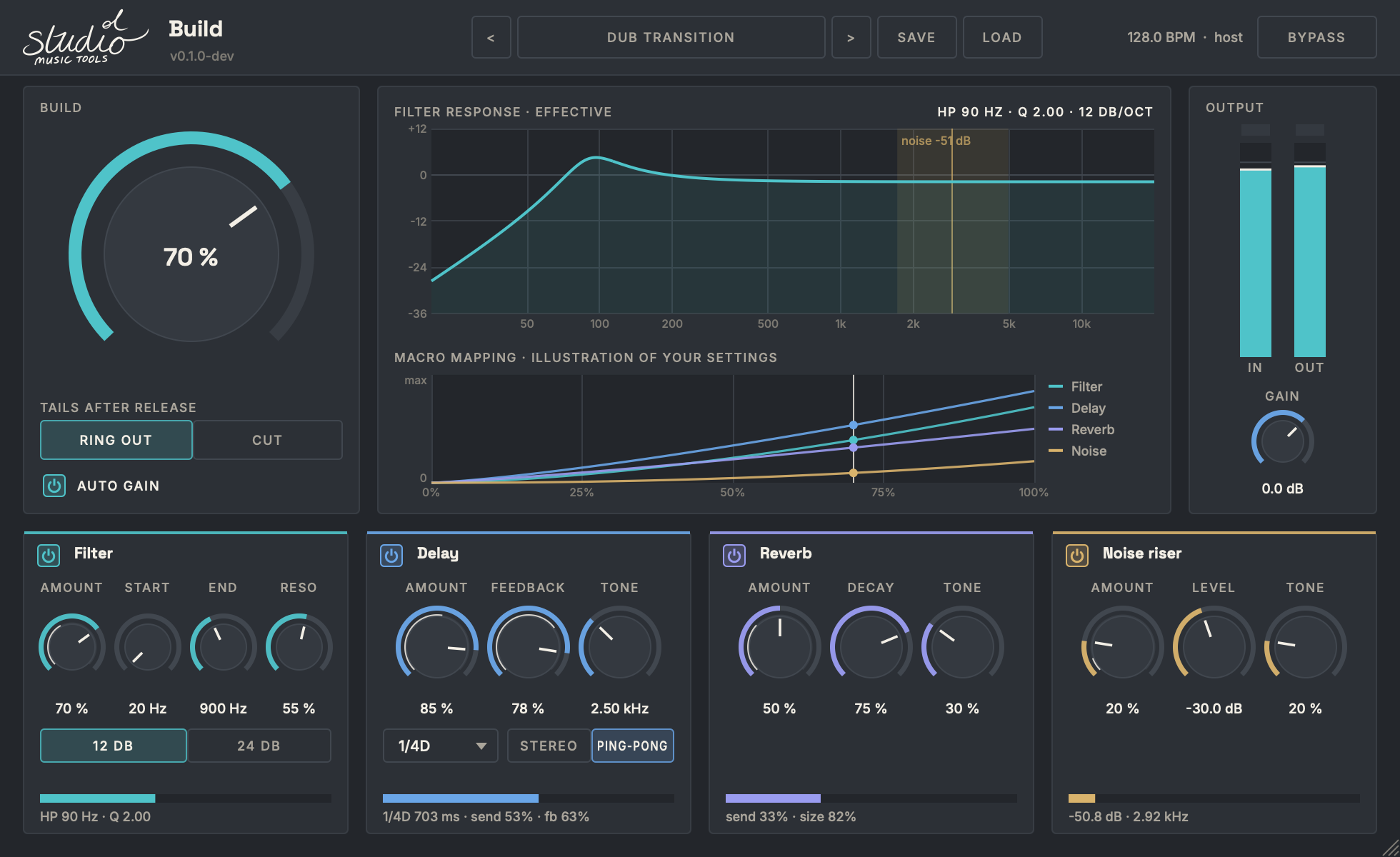
Choose how much each effect contributes, then move BUILD by hand or automate it in your DAW. Watch the effective filter response as you adjust the sweep.
Let echoes carry into the next section with Ring out, or choose Cut for a tighter return. The growing factory preset collection provides starting points, and you can save your own.
Start from the default settings and shape your own transition.
A gentle low-cut sweep, a little space and a quiet riser for smaller transitions.
A steeper filter sweep, fast synced echoes and a bright riser. Cut tails for a tighter drop.
Dark dotted-quarter echoes with long feedback. Ring out carries the space into the next section.
Long, bright reverb and airy noise with a gentler low-cut sweep.
A sharper sweep, triplet echoes and a stronger riser for a quick burst of tension.
Make any preset your own with individual effect amounts, tone and timing controls. Save your settings as a preset file.